


Áp lực xử lý khối lượng công việc hành chính, soạn thảo văn bản lặp…
Generate higher quality AI video clips and edit any video with Gemini Omni in Vids
Users now have access to Gemini Omni directly within Google Vids. Omni provides higher quality video generation with significant improvements over previous models. Additionally, Omni’s world understanding unlocks simple video edits so you can ask Omni to tweak the video you have to get the video you need.
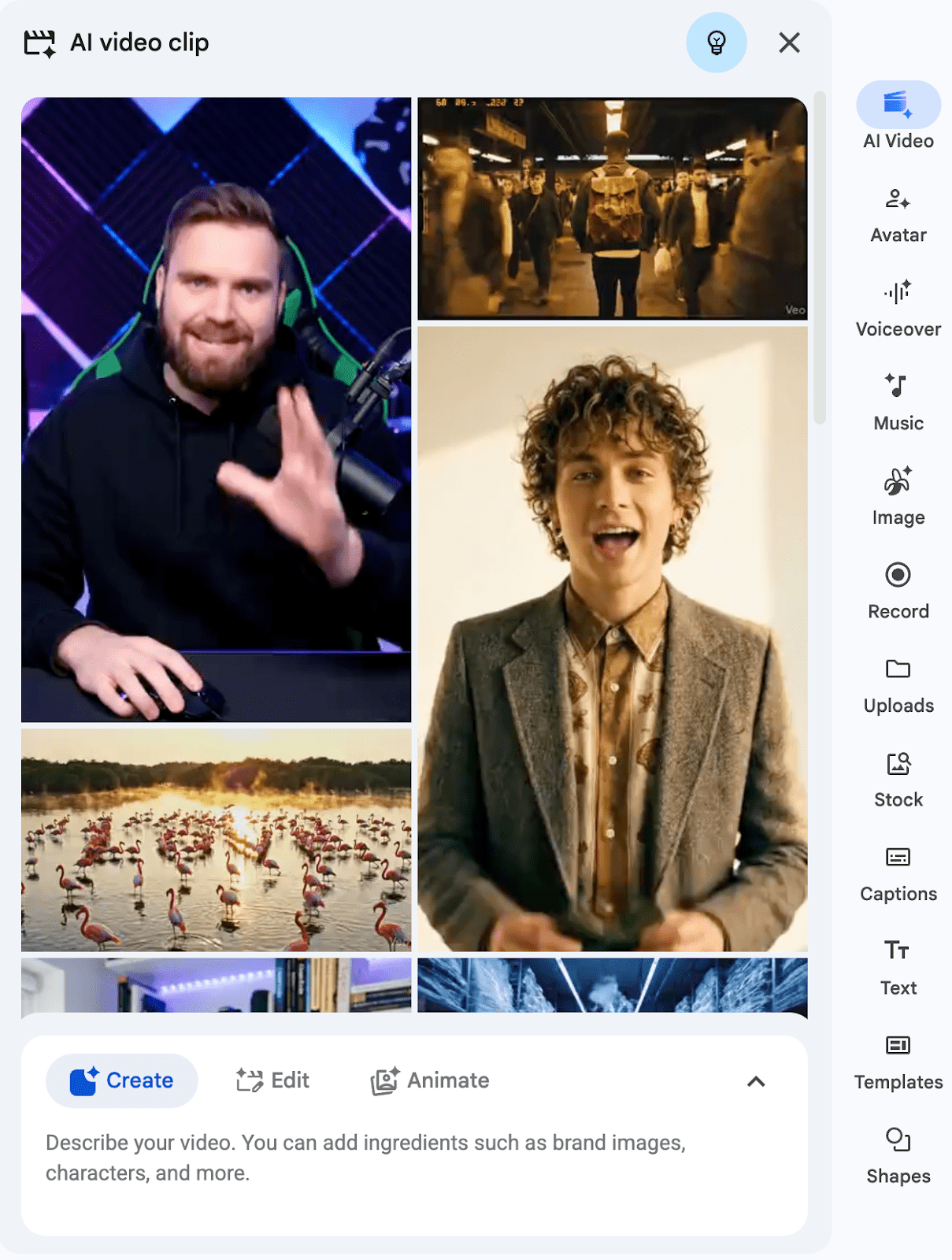
- Generate clips with higher quality: Generate higher quality videos with improved text rendering, physics, and realism using Google’s latest Omni Flash model.
- Edit videos by typing changes: For example, fix the color-grading, restyle the visuals in anime, or remove that New York siren in the background with a simple text instruction in Vids.
A note on language and region availability
At launch, editing non-AI videos with Omni is not available in the European Economic Area, Switzerland, United Kingdom, Texas, or Illinois.
Getting started
- Admins: This feature does not have an admin control.
Rollout pace
- Rapid Release domains: Gradual rollout (up to 15 days for feature visibility) starting on July 16, 2026
- Scheduled Release domains: Gradual rollout (up to 15 days for feature visibility) starting on August 5, 2026
Availability
- Business: Business Starter, Standard, and Plus
- Enterprise: Enterprise Starter, Standard, and Plus
- Education: Education Plus
- Consumer: Google AI Pro and Ultra
- Other Editions: Enterprise Essentials and Enterprise Essentials Plus; Nonprofits
- Education Add-ons: Google AI Pro for Education; Teaching and Learning
- Other Add-ons: AI Expanded Access*
*Users with AI Expanded Access add-on licenses have higher limits on usage of Omni in Vids.
Related Posts