


Gemini 4 Argon mang lại hiệu năng cấp độ biên giới (frontier performance) trong các…
Keep your sources up to date with automatic Drive syncing in NotebookLM
We’re making it easier to keep your sources and insights current in NotebookLM by enabling automatic syncing with Google Drive. Previously, if you uploaded a file in Google Docs, Sheets, or Slides, you’d have to manually update it in NotebookLM to see the changes. With this update, as the content in your Drive files evolves, the information within the notebook updates automatically to match. This update ensures that you're always working with the most accurate and up-to-date information without the manual effort of re-syncing files.
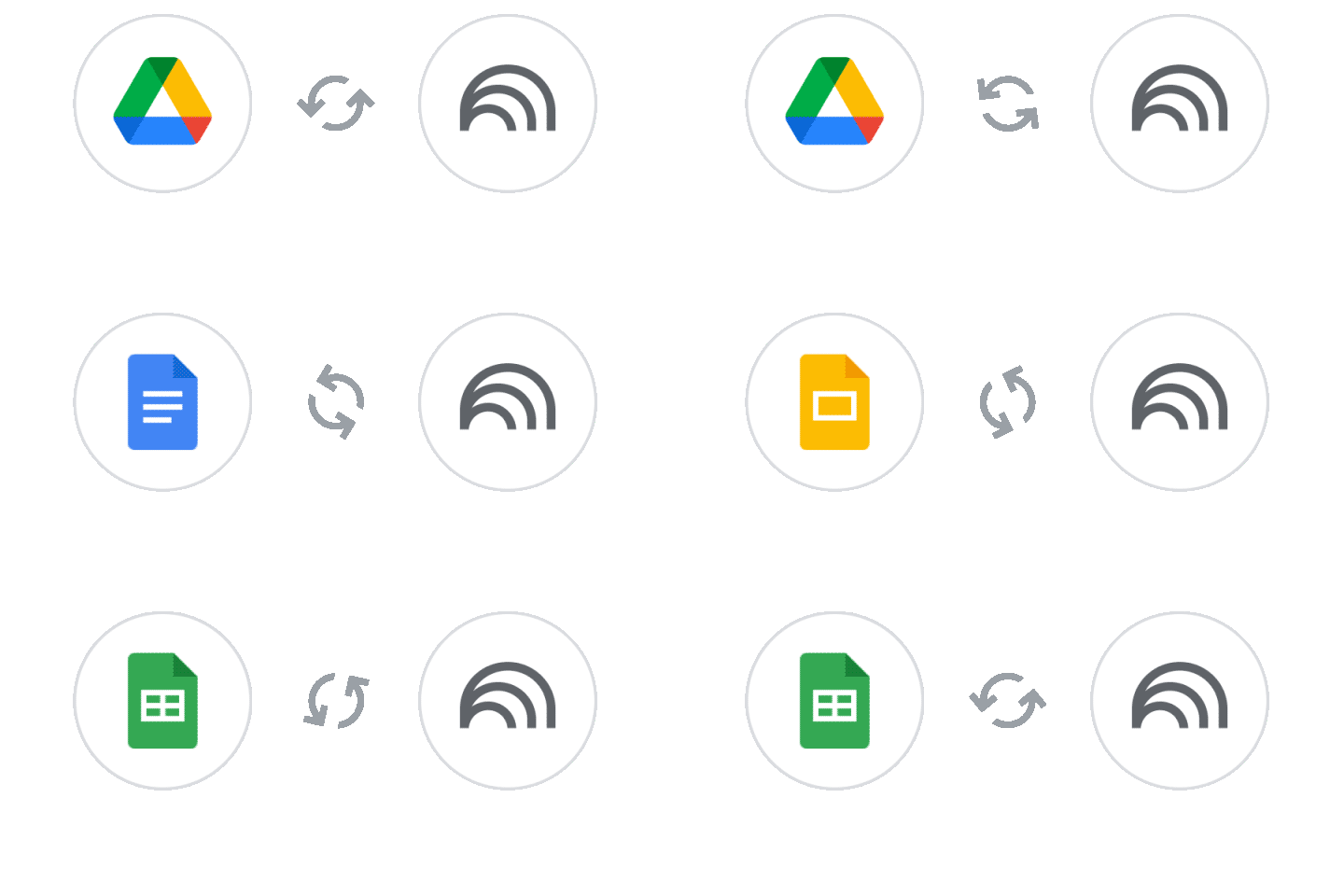
NotebookLM will also strictly respect file deletions and permissions. If a user’s access to a Drive file is revoked, they will no longer be able to use that file as a source in their notebook. The source will appear in the sources list with a link to the source for the user to request access. Additionally, if a file is deleted from Drive, it will be removed from the notebook as well, ensuring your research environment stays organized and secure.
Getting started
- Admins: There is no admin control for this feature.
- End users: There is no end user setting for this feature.
Rollout pace
- Rapid Release and Scheduled Release domains: Gradual rollout (up to 15 days for feature visibility) starting on May 26, 2026
Availability
- Available to all Google Workspace customers and users with personal Google accounts with access to NotebookLM
Related Posts