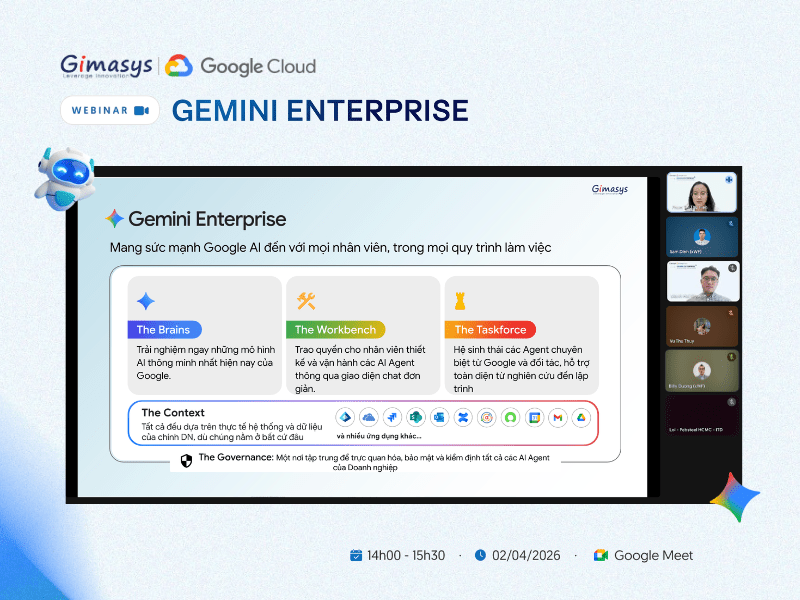



Ngày 02/04 vừa qua, hội thảo trực tuyến do Gimasys phối hợp cùng Google Cloud…
Transform sources into structured Data Tables in NotebookLM
What’s changing
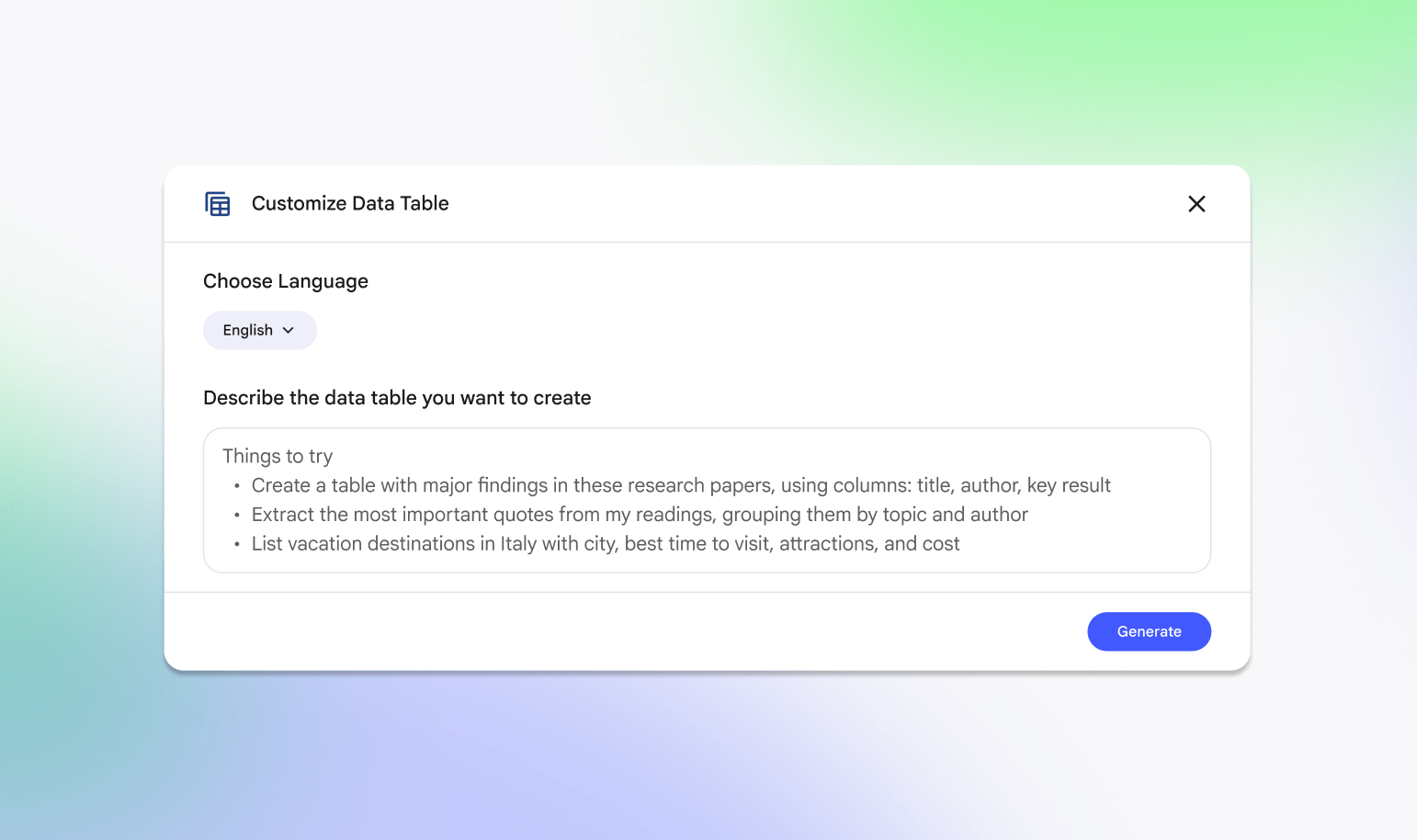
We’re introducing Data Tables in NotebookLM, a new feature that helps you organize and analyze information from your sources in a structured format.
Valuable information is rarely neat. Key facts are often scattered, making manual compilation tedious.
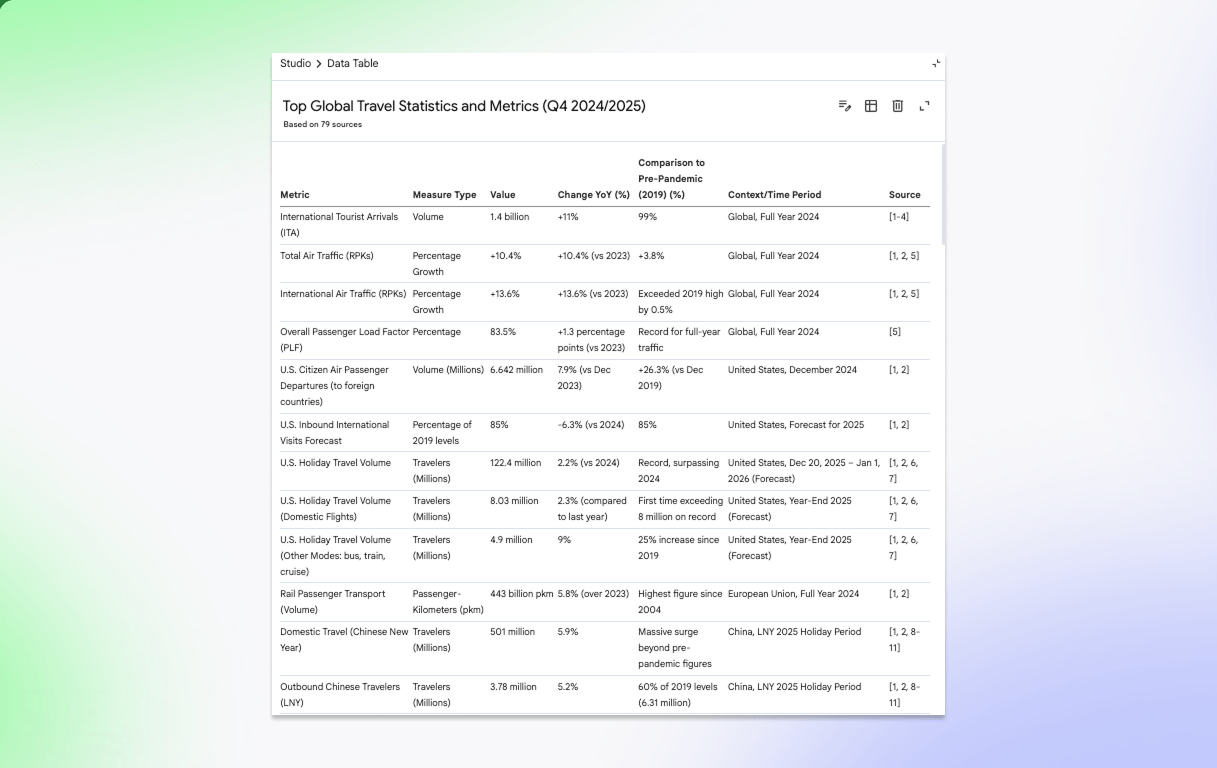
Today, we’re making that simpler with Data Tables. NotebookLM now synthesizes your sources into clean, structured tables, ready for export to Google Sheets.
Here are some ways to use them:
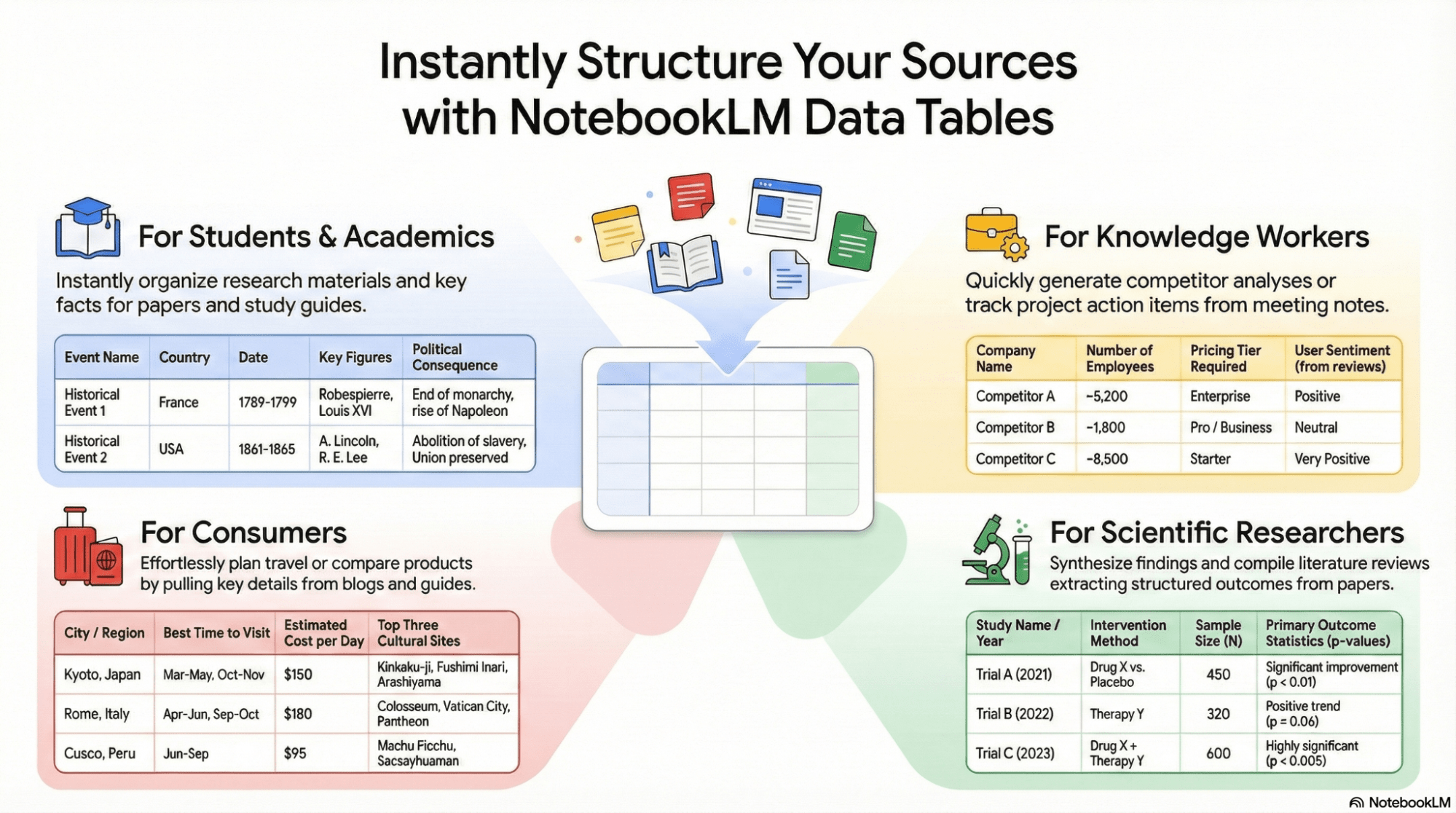
- Prepare for exams with study tables of historical events, organized by date, key figures, and consequences.
- Turn meeting transcripts into a clean table of action items, categorized by owner and priority. Or build a competitor comparison table analyzing pricing and strategies.
- Streamline curriculum mapping by aligning state standards, learning objectives, and assessment criteria across your semester plan.
- Synthesize clinical trial outcomes across multiple papers to track study years, sample sizes and statistics.
 Data Tables will be available to users of all ages.
Getting started
- Admins: There is no admin control for this feature. Visit the Help Center to learn more about
Rollout pace
- Rapid Release and Scheduled Release domains: Gradual rollout (up to 15 days for feature visibility)
Availability
Available for Google Workspace:
- Business Starter, Standard, Plus
- Enterprise Starter, Standard, Plus
- Education Fundamentals, Standard, Plus
- Google AI Pro for Education
- Frontline Starter, Standard, Plus
- Essentials Starter, Enterprise Essentials, Enterprise Essentials Plus
- Nonprofits
Related Posts